
Flickering Lights: Sort It by How Far It Spreads
Flickering is one of the most common electrical complaints, and the most ignored. The useful question is not why the lights flicker but where. One bulb, one room, a brief dip when the AC starts, and the whole house each point to a different cause. The first two are usually simple. The last one can be urgent. Here is how to tell them apart and when to call.
Flickering lights: how far it spreads tells you where to look
Start with the smallest scope and work up.
Summary of the sections in this guide, written by Gideon Electric. It is an explanatory graphic, not statistics, and it is not a diagnosis of your home.
One Bulb or One Fixture
If only one light flickers, start with the simplest explanation. A bulb that is not seated all the way in its socket flickers, and so does a bulb that is wearing out. Turn the light off, let it cool, and tighten or swap the bulb.
LED bulbs add a second possibility. An LED on a dimmer that was not designed for LEDs can flicker, buzz, or flash at low settings. Bulbs and dimmers have to be compatible, so check that the bulb is marked dimmable and that the dimmer is rated for LED loads. Enclosed fixtures can also cause trouble, because trapped heat shortens a bulb’s life. If a new, correctly rated bulb still flickers in one fixture only, the socket, the fixture, or the switch is the likely cause, and that is worth a visit.
One Room or One Circuit
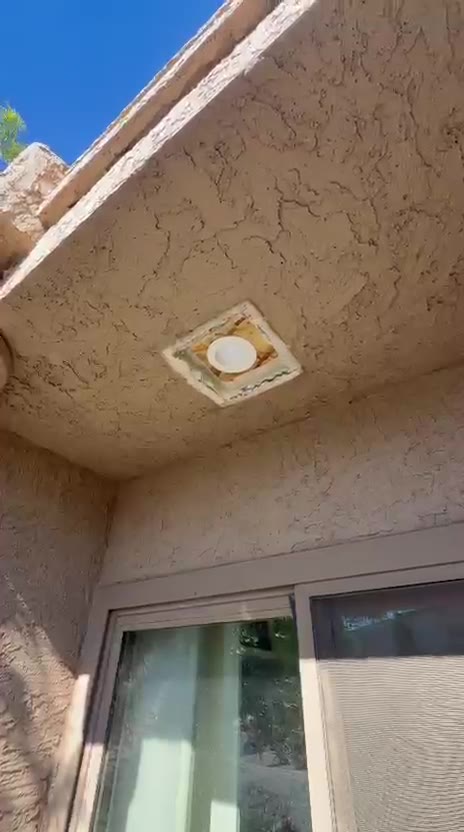
When several lights in the same room flicker, or the flicker follows one circuit, the cause is usually a loose connection somewhere on that circuit. It might be at a switch, an outlet, a light fixture, or a junction box. A worn dimmer or switch can do it too. Loose connections do not fix themselves, and they can run hot, so this is not one to ignore.
Overloading is the other common cause. Lights that dim or flicker when you plug in a space heater, run a hair dryer, or switch on a window unit can mean too much is running on one circuit. December and January make this more likely, because space heaters and holiday lighting add load to circuits that were not planned for it. Move the heavy item to another circuit and see whether the flicker stops. If it does, the circuit is near its limit.
A Dip When the AC or a Dryer Starts
A brief dim when a large motor starts is common. Air conditioners, dryers, and well pumps pull a surge of current for a moment when they start, and the lights on the same system may dip for a second. A short, mild dip that settles right away is often normal.
What is a normal voltage at your home?
Standard “Range A” service voltage for a 120 volt system.
Scale in volts, 120 is the nominal voltage (gold line). Dark band: the normal range for the voltage the utility delivers to a home on a 120 volt system, 114 to 126 volts. The standard applies to sustained voltage, not to a brief dip when a large motor starts.
The scale runs from 100 to 130 volts; this is a range gauge, not a bar chart. Your meter or an electrician can tell you what your home actually receives. Source: Pacific Gas and Electric, “Voltage Tolerance Boundary” (summary of ANSI C84.1), 2018.
It is a problem when the dip is deep, when it lasts, when it happens with small appliances, or when it is getting worse. That can point to a circuit that is overloaded or to a loose connection. A panel that is not keeping up can be one possible cause, and our guide to the signs your home needs a panel upgrade covers that. It is only one possibility, so an electrician should find the actual cause before anyone recommends a fix.
The Whole House
If every light in the house flickers, or lights flicker together with strange behavior from appliances and electronics, treat it as urgent. The usual suspects are a loose connection at the service entrance or the panel, a loose neutral, or a problem on the utility side. A loose neutral lets voltage swing between circuits, which can make some lights run bright and others dim and can damage electronics.
Look outside. If your neighbors are seeing the same flicker, call your utility, APS or SRP, because the problem may be on their equipment. If only your home is affected, or you are not sure, call an electrician. Do not wait for it to get worse, and do not open the panel yourself.
What You Can Safely Try
There are a few safe checks before you pick up the phone:
- Tighten or swap the bulb after the light has been off and cool.
- Match the bulb to the dimmer. Use a dimmable bulb on a dimmer that is rated for it.
- Move heavy loads. Unplug a space heater or other high-draw appliance and see whether the flicker stops.
- Ask the neighbors. If they see it too, call the utility.
- Notice the pattern. Write down which lights flicker and when. It helps an electrician find the cause quickly.
Do not open fixtures, switch boxes, or the panel to look for the problem unless the power is off and you know what you are doing.
“My lights were flickering and I was concerned about the wiring. Armando came out in the time frame given and thoroughly checked everything out. He was very professional and efficient. … Armando also checked some other things and gave me advice on proper bulbs to buy for my enclosed fixtures and proper switches for my lights.”
When to Call an Electrician
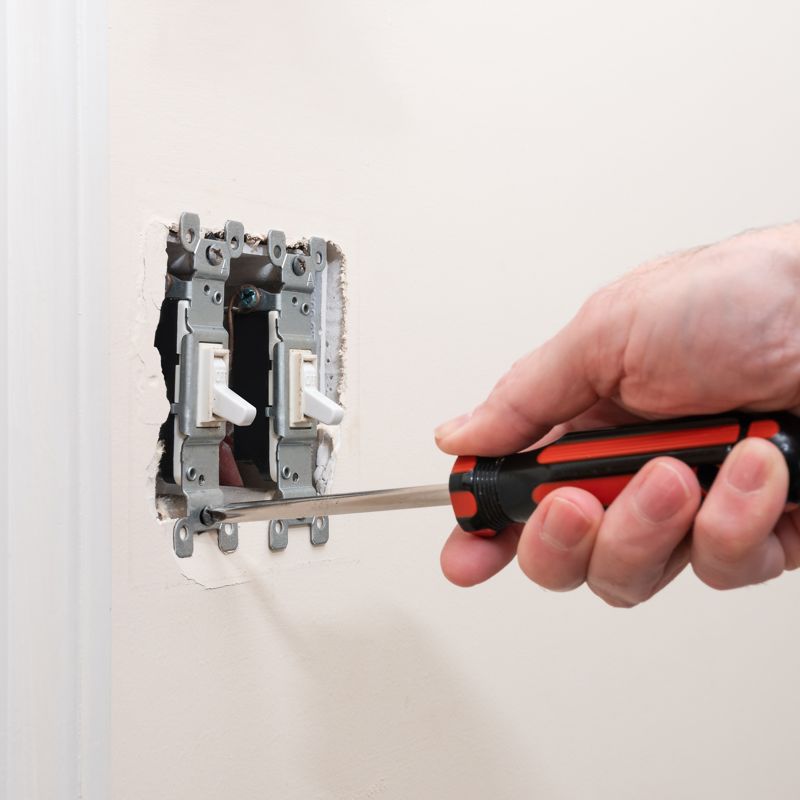
Call for any flicker that does not go away after a bulb swap, any that affects a whole room, circuit, or house, and any that comes with a buzzing sound, a burning smell, warm switches or outlets, or dead outlets. Call promptly if the flicker is getting worse. Flickering that comes with heat or a burning smell is an emergency, so turn off the power at the breaker if you can do it safely and call right away.
Gideon Electric handles electrical repair across Phoenix and the Valley. We find the cause, explain it in plain language, and fix it the right way. Call (480) 716-3272 or request service online.
Frequently Asked Questions
Why do my lights flicker when the AC turns on?
Why are all my lights flickering at once?
Why do my LED bulbs flicker?
Is a flickering light dangerous?
Should I call the utility or an electrician?
Lights Still Flickering?
Local electricians serving Phoenix and the Valley. We trace flickering to its cause and fix it properly.